
Introduction
The Nintendo Switch delivers a unique blend of home and handheld console gaming. Its innovative design and portability have made it a favorite among gamers. However, with its limited built-in storage, many users wonder: do you need a memory card for the Nintendo Switch? This guide will help you understand the storage options and assess your storage needs.
Understanding Nintendo Switch Storage
Equipped with a 32GB internal storage, the Nintendo Switch might seem sufficient initially. Yet, as soon as you start downloading digital games or DLCs, you’ll quickly realize how limited it can be. Moreover, games today are larger, and updates or additional content can occupy significant space.
Built-In Storage Capacity
Let’s evaluate what 32GB of storage means. A title like ‘The Legend of Zelda: Breath of the Wild’ requires over 13GB, leaving less than 19GB for other uses. Before you know it, system firmware updates and a few digital games can exhaust the built-in storage.
When Is a Memory Card Necessary?
Not every user will need a memory card right away. However, several factors will influence this decision. If you’re someone who prefers downloading digital versions of games over physical ones, or if you intend to enjoy large game titles, a memory card becomes crucial.
Factors Influencing the Need for Extra Storage
If convenience is essential and you enjoy the digital collection of games, you’re going to need more space. Games like ‘Fortnite’ or ‘NBA 2K’ can easily surpass 20GB, making internal storage insufficient over time.
Game Size and Digital Purchases
For massive game collectors or those who want their consoles ready with a variety of games, extra storage helps maintain a seamless experience. Without it, managing available space would mean constant uninstalling and reinstalling of titles.
Choosing the Right Memory Card for Your Nintendo Switch
After deciding on the necessity of additional space, selecting the appropriate memory card is vital. This choice impacts not just how much additional storage you get, but also the speed and performance of game load times.
Types of Compatible Memory Cards
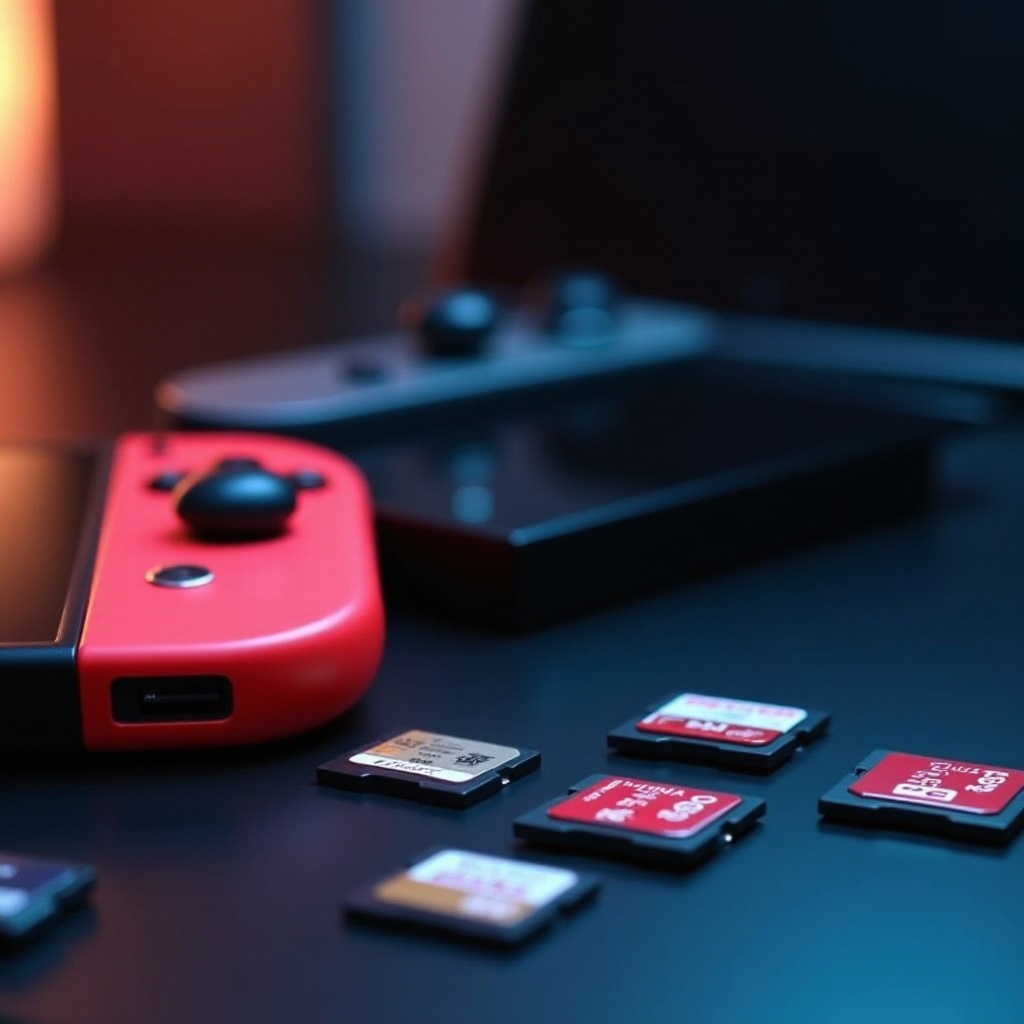
The Nintendo Switch is compatible with microSD, microSDHC, and microSDXC cards. Each type suits different needs, but speed and storage capacity should guide your choice.
Storage Capacity and Speed Recommendations
Consider your gaming habits to determine the ideal card size. If you’re an avid downloader of games and DLCs, opt for something between 128GB and 256GB. In terms of performance, cards with 80-100 MB/s speed ensure satisfactory game load times and seamless gameplay.
How to Install and Manage a Memory Card
Once you’ve acquired a memory card, setting it up is simple and straightforward.
Step-by-Step Installation Guide
- Power off your Nintendo Switch entirely.
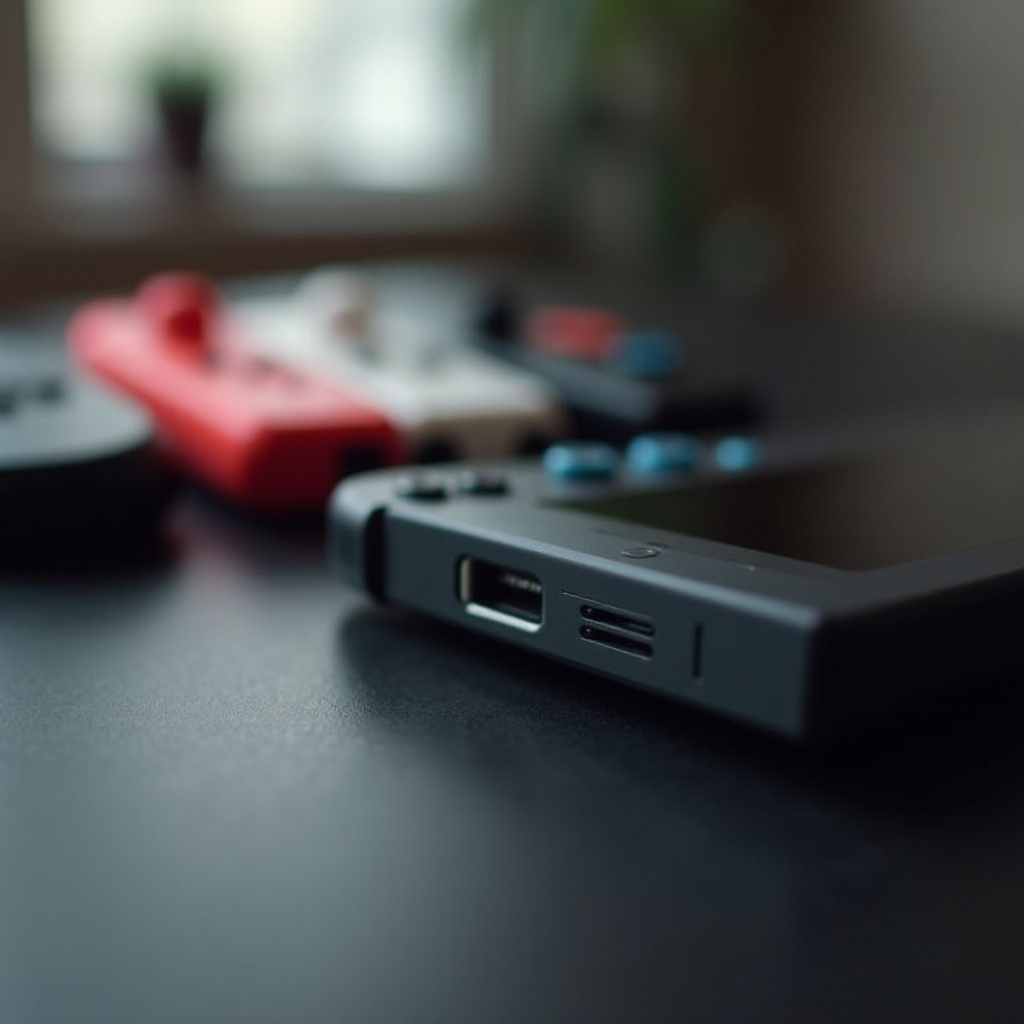
- Find the microSD card slot beneath the kickstand.
- Insert the card until it fits securely.
- Power the console back on and format the card as instructed.
Tips for Managing Game Data
- Regularly check available storage to avoid running low.
- Move less frequently played games to the memory card to prioritize internal storage.
- Use cloud saves to protect game progress and reduce dependency on physical space.
Pros and Cons of Using a Memory Card
While enhancing storage capacity offers many benefits, it’s critical to weigh these against potential drawbacks.
Advantages of Expanded Storage
Memory cards provide the flexibility to download and keep more games readily available, eliminating the need for constant space management.
Potential Downsides
There is an added cost to obtaining a high-quality memory card. There is also a small chance of data corruption, although this risk is minimized with reputable cards.
Conclusion
Given the Nintendo Switch’s storage limitations, a memory card is an often necessary investment for those who value a robust digital library. By carefully assessing your gaming preferences and selecting the right card, you can significantly enhance your gaming experience.
Frequently Asked Questions
How much extra storage do I need for my game collection?
The amount depends on your library size. If you own several large titles and additions, a 128GB or 256GB card is recommended.
Can I use any microSD card with my Nintendo Switch?
No, it’s crucial to choose a compatible card type, such as microSD, microSDHC, or microSDXC, with sufficient speed for best performance.
Does using a memory card affect game performance?
Yes, using a card with high read/write speeds can improve game load times and overall performance.