
Introduction
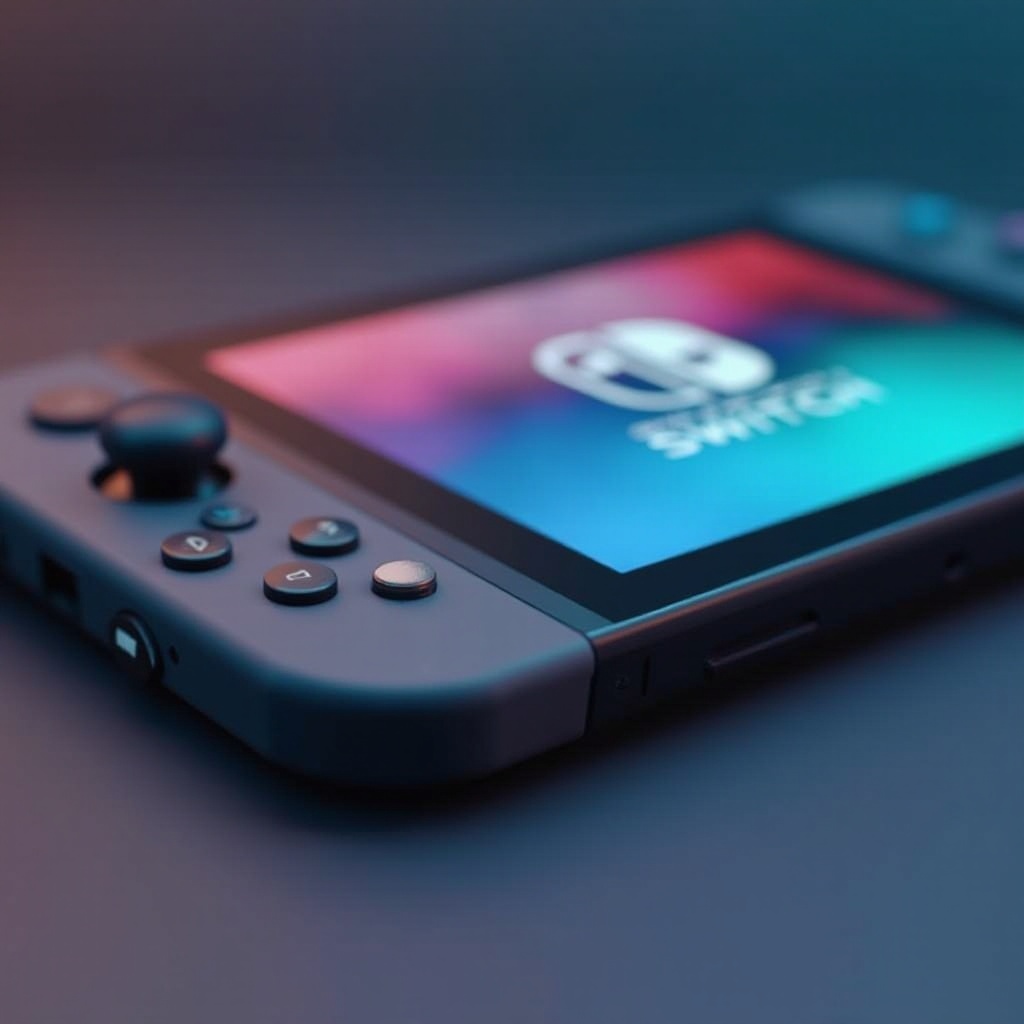
Maintaining the clarity of your Nintendo Switch OLED screen is vital for an optimal gaming experience. OLED screens are admired for their vibrant colors and deep contrasts, but they need gentle handling and proper care to keep them in pristine condition. This guide provides essential methods and tips for cleaning your screen effectively and safely, ensuring it remains free from scratches and other damage.
Understanding Your Nintendo Switch OLED Screen
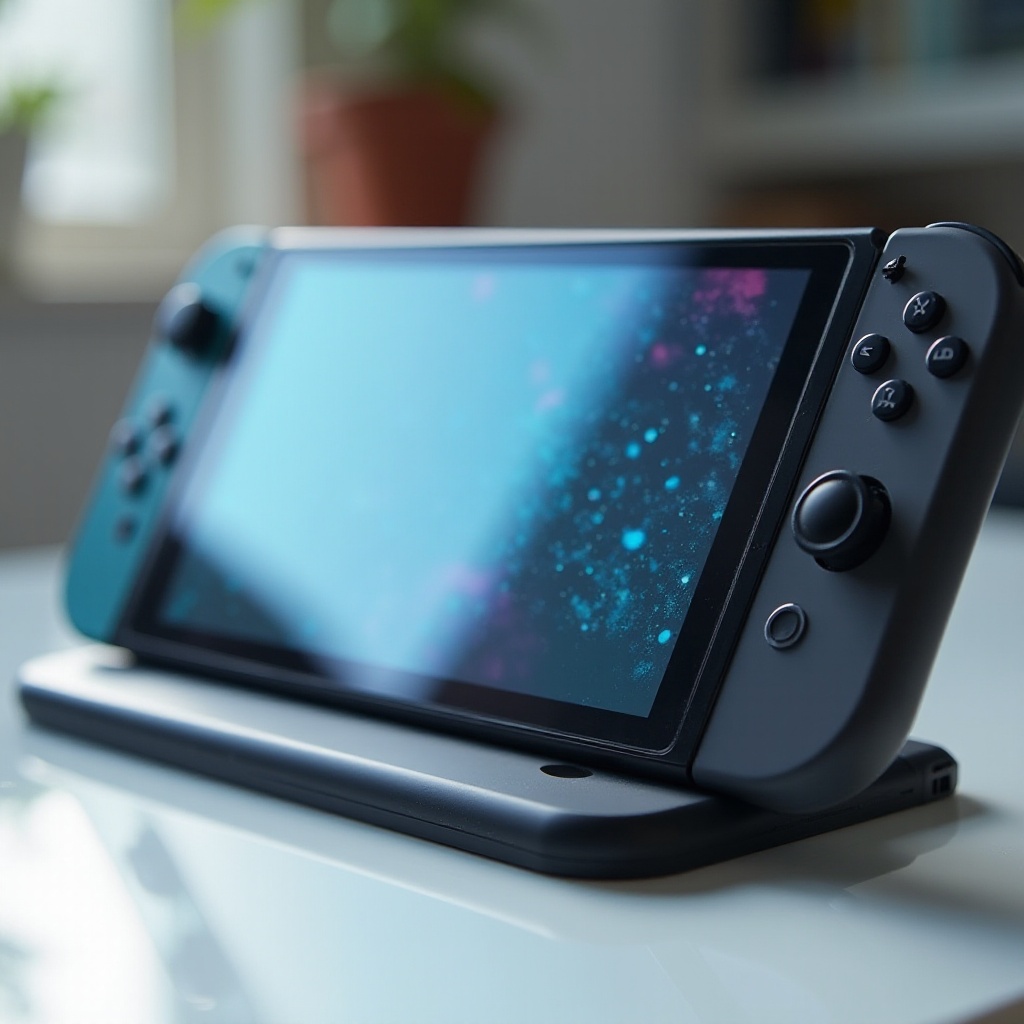
Dive into understanding what makes an OLED screen unique compared to traditional LCD screens. OLED technology offers superior picture quality because each pixel emits its own light. This feature demands careful maintenance to prevent any degradation over time. Awareness of screen sensitivities guides you towards appropriate cleaning methods that protect your device.
Materials Needed for Cleaning
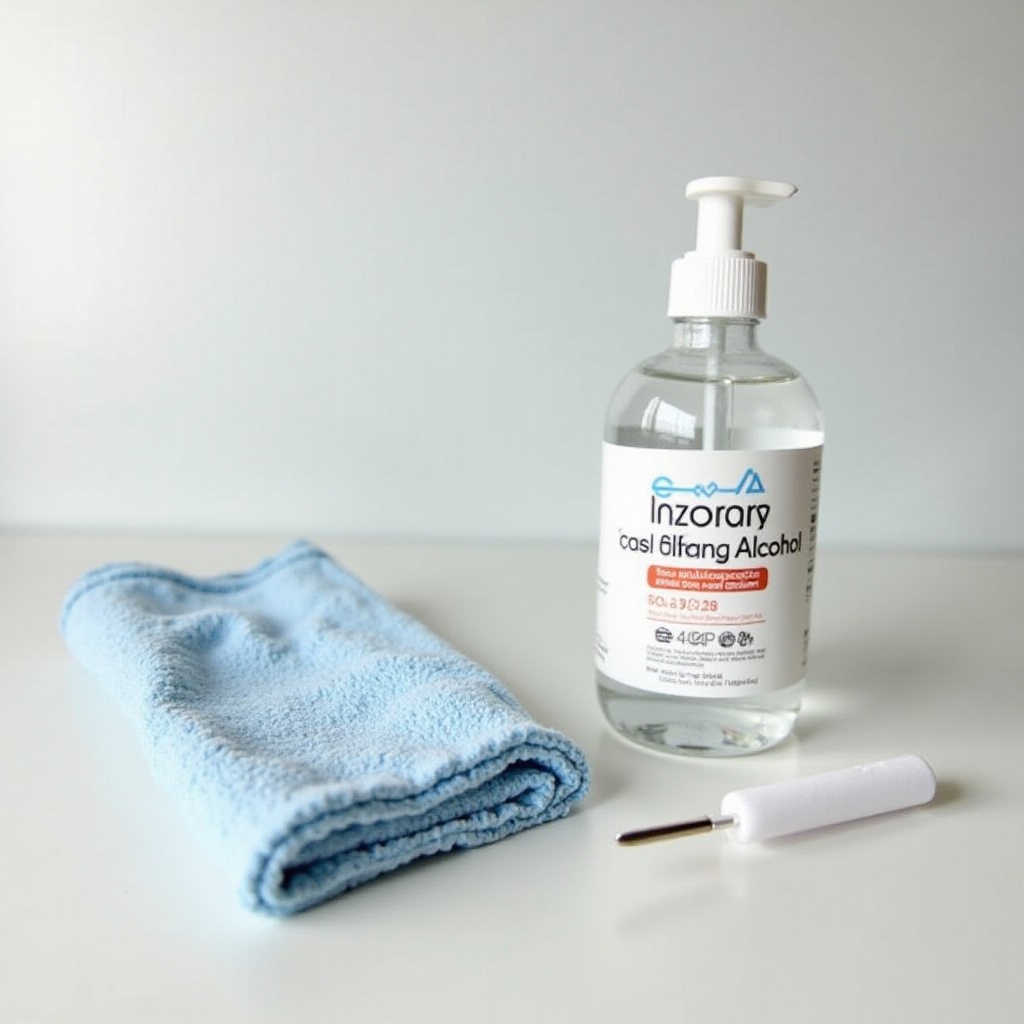
To achieve a spotless screen, begin by gathering the right cleaning materials:
- Recommended Cleaning Solutions: Opt for screen-safe cleaners designed specifically for electronics, steering clear of alcohol-based solutions that could harm the OLED surface.
- Essential Cleaning Tools: Use soft microfiber cloths that are non-abrasive, perfect for gently removing dirt and smudges without scratching.
- Products to Avoid: Keep away from paper towels, rough-textured cloths, and harsh chemicals, all possibly detrimental to the screen.
Choosing the right materials is crucial to prevent damage during cleaning. Now, let’s explore the step-by-step process involved.
Step-by-Step Cleaning Guide
Follow these methods to safely clean your Nintendo Switch OLED screen:
- Preparation Before Cleaning: Turn off your device completely and remove any attached controllers to avoid accidental inputs or damage.
- Dusting Techniques: Use a dry microfiber cloth for light dusting, removing loose particles that could scratch the screen during a deeper clean.
- Removing Smudges and Fingerprints: Dampen one corner of your microfiber cloth with a screen-safe cleaner. Gently wipe the screen in circular motions to lift smudges without applying unnecessary pressure.
- Deep Cleaning for Stubborn Marks: For persistent marks, use a slightly moistened cloth, ensuring it’s not soaking wet, and gently apply pressure using circular motions, focusing on fingerprint-prone areas.
These steps contribute to preserving the screen’s clarity. Now, let’s focus on practices to ensure long-term maintenance.
Best Practices for Long-Term Screen Care
Ensure your OLED screen remains in top condition by incorporating these ongoing care practices:
- Regular Cleaning Routines: Establish weekly cleaning habits to prevent dirt buildup and reduce the risk of screen damage over time.
- Using Screen Protectors: A quality screen protector adds an extra layer of protection against scratches and dirt, minimizing the effort required for cleaning.
- Protecting Against Future Damage: Handle your device with clean hands and keep it in a protective case when not in use to safeguard it from environmental factors.
Implementing these strategies helps not only in keeping your screen clean but also in maintaining its optimal performance. Let’s now discuss mistakes commonly made during cleaning.
Common Mistakes to Avoid
Steering clear of mistakes is integral to preserving the longevity of your screen. Avoid these errors:
- Overusing Liquid Cleaners: Excess liquid can seep into the screen and cause damage. Sprays should be used sparingly.
- Using Abrasive Materials: Refrain from using rough materials like paper towels or tissues that can scratch and dull the screen.
- Ignoring Manufacturer Guidelines: Follow Nintendo’s cleaning recommendations diligently as they are tailored to meet the specific needs of your device.
By avoiding these pitfalls, you help ensure your cleaning efforts are both effective and safe.
Conclusion
Cleaning your Nintendo Switch OLED screen involves using the right techniques and tools. Regular care, combined with understanding the screen’s specific needs and avoiding mistakes, helps maintain its quality and contributes to an enhanced gaming experience.
Frequently Asked Questions
Can I use alcohol to clean my Nintendo Switch OLED screen?
No, alcohol-based cleaners can damage the OLED screen’s surface. Choose a screen-safe cleaner designed for electronics instead.
How often should I clean my Nintendo Switch OLED screen?
Aim to clean your screen weekly. Regular cleaning prevents dirt buildup and preserves screen clarity.
Do screen protectors affect cleaning frequency?
Yes, screen protectors can reduce the need for frequent cleaning by providing an extra layer of protection against dirt and scratches.