
Introduction
Emojis are a vital part of digital communication, bringing life and personality to texts and social media posts. Personalizing these emojis can make your interactions more reflective of your unique style. In this guide, we’ll explore how to change iPhone emojis through various approaches, ensuring you have all the tools needed for a personalized emoji experience.
Understanding Emoji Customization on iPhone
Before beginning the customization process, it’s crucial to understand the options available on your iPhone. Apple’s iOS offers a robust set of default emojis that are regularly updated with new designs and expressions. Yet, for many users, these defaults may not suffice in representing their individuality. By exploring the unique customization options available, including Memoji and Animoji, you can create emojis that are uniquely yours.
Accessing Emoji Settings on iPhone
Once you understand the available emoji options, it’s time to adjust your iPhone settings to enable customization.
-
Navigate to Settings: Open the Settings app, then tap on General.
-
Locate Keyboard Settings: Tap Keyboard and then Keyboards.
-
Select Emoji Keyboard: Ensure Emoji is listed as an active keyboard.
These steps lay the groundwork for exploring Memoji and Animoji—two features that allow for expressive, animated characters.
-
Memoji: Customize animated emoji characters based on your likeness.
-
Animoji: Use facial recognition technology to animate popular emojis.
With these features, you can give your emojis a personal touch, making digital communication more engaging.
Best Apps for Emoji Customization
If the built-in features are not enough, third-party apps provide more extensive customization.
-
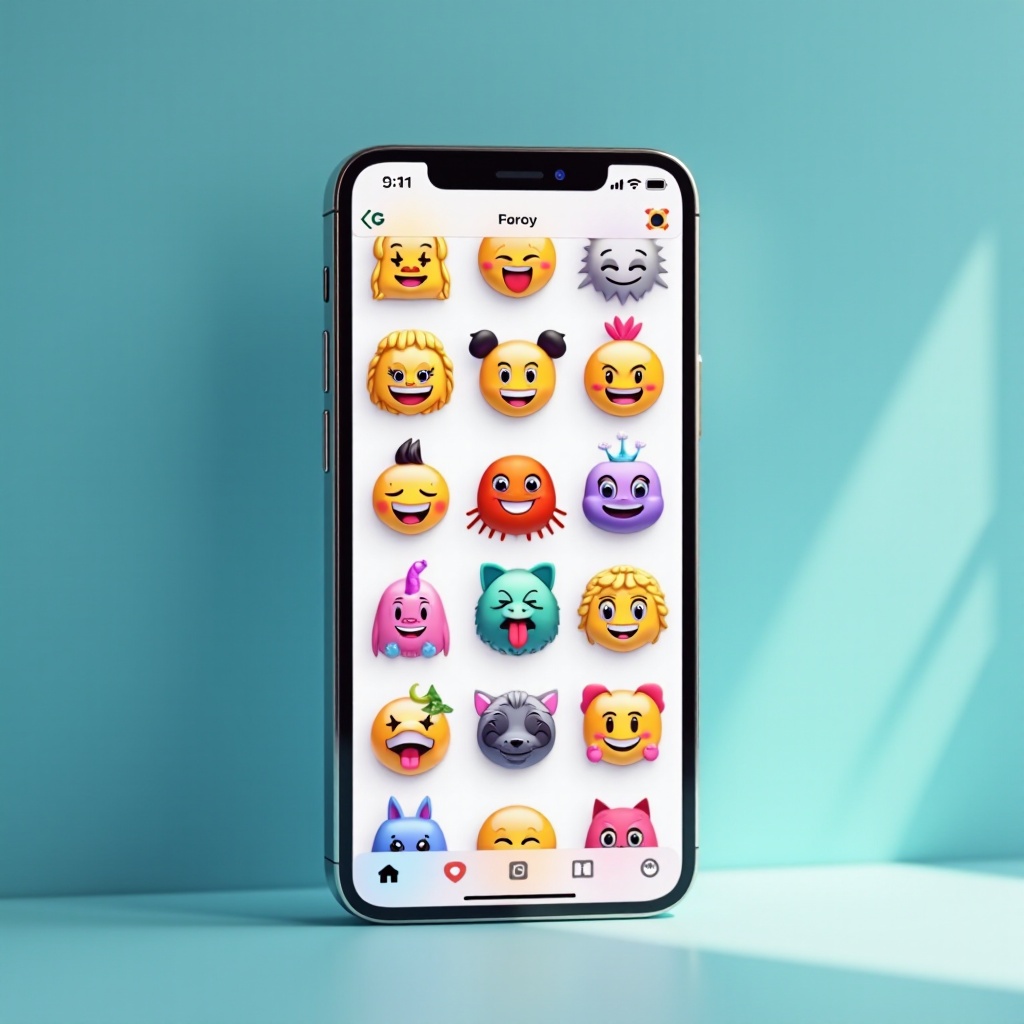
Bitmoji: Create cartoon avatars that act as personalized emojis.
-
Emoji Me Face Maker: Design emojis that resemble your own facial characteristics.
-
Moji Maker: Craft custom emojis with unique styles and characteristics.
Installing and Using Apps Safely:
Ensuring the security of your iPhone while using third-party apps should be a top priority.
-
Download apps only from the App Store.
-
Check user reviews and ratings for reliability.
-
Keep your device and apps updated to ensure seamless operation.
These apps open new avenues for emoji customization, making your experience varied and personal.
Tips for Effective Emoji Customization
Successful emoji customization hinges on thoughtful selection and compatibility.
-
Select Emojis That Reflect Your Style: Choose emojis that mirror your personality and the mood you’re seeking to convey.
-
Compatibility Across Platforms: Test your customized emojis across different apps to guarantee they display correctly.
With these tips, you’re better equipped to craft an emoji palette that aligns with your personal style and works seamlessly across different applications.
Troubleshooting Emoji Customization Issues
As you customize, you may encounter a few hurdles. Here’s how to overcome typical issues:
- Problems:
- Customized emojis not appearing correctly.
-
Loss of emoji data after iOS updates.
-
Solutions:
- Regularly update apps and iOS to maintain functionality.
- Review app compatibility settings to ensure smooth use.
Should issues persist, joining online forums and communities can offer useful insights and solutions. These communities are rich resources for troubleshooting and technical support.
Conclusion
Changing emojis on your iPhone allows you to express yourself vividly and uniquely. Whether utilizing the built-in Memoji and Animoji features or exploring third-party applications, your digital identity can be as customizable as you want it to be. Dive in and enjoy the creative possibilities.
Frequently Asked Questions
Can I use customized emojis in all apps?
Most apps support basic emojis, but some customized ones may not be visible in certain older apps.
Are third-party emoji apps safe to use?
Third-party emoji apps from the App Store are typically safe when downloaded after reviewing permissions and user ratings.
How often are new emojis added to iOS?
Apple generally updates its emoji library with new additions during major iOS updates released annually.