
Introduction
Flickering screens can ruin your enjoyment of television, making it vital to address these issues promptly. TCL TVs, known for their great value, are not immune to occasional technical glitches, including flickering problems. This article will explore why TCL TVs might flicker, presenting immediate solutions, detailed troubleshooting, and preventative strategies to ensure you have a seamless viewing experience.

Common Causes of TCL TV Flickering
Identifying the causes of flickering is essential before jumping into solutions. Several elements could contribute to flickering issues:
- Electrical interference from nearby devices disrupts the TV’s signal.
- Loose or malfunctioning cables can cause signal issues, leading to flickering.
- Software glitches can arise from outdated firmware or incorrect settings.
Understanding these common problems helps in targeting your initial fixes and determining whether flickering results from a simple setup issue or requires deeper interventions.
Quick Fixes for Flickering Issues
After pinpointing potential causes, start with some straightforward solutions to restore your TCL TV’s functionality:
- Power cycle your television by unplugging it for a minute before plugging it back in. This simple reset can often remove transient faults.
- Inspect all HDMI and power cables for secure connections and visible damage. Replacing damaged cables can eliminate flickering caused by poor connectivity.
- Adjust the picture settings directly from the TV menu to optimize brightness and contrast levels, which can improve image stability.
These fixes are effective in solving flickering issues when they arise from simple hardware or software glitches.
Transitioning from quick fixes, if the flickering persists, deeper investigation is warranted.
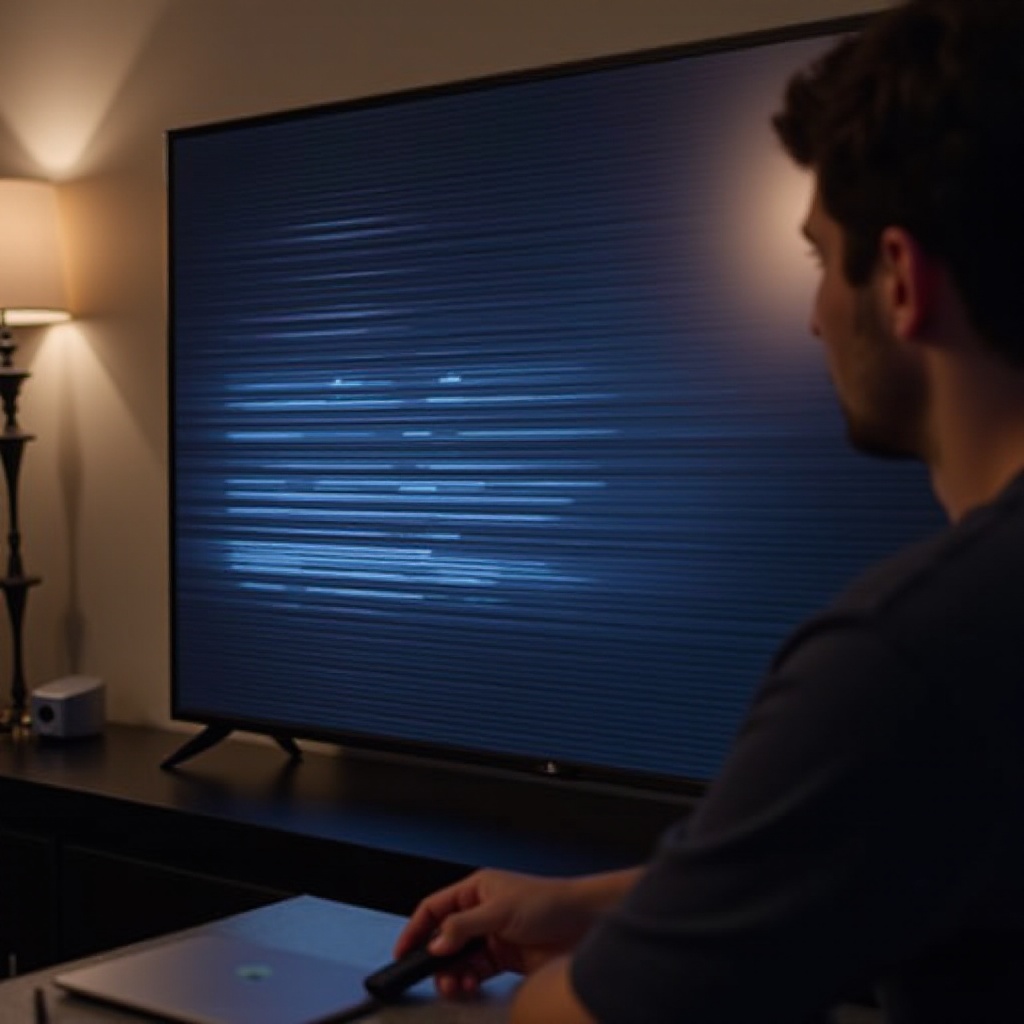
In-Depth Troubleshooting Steps
If flickering continues after applying quick fixes, it’s time to delve into more detailed troubleshooting:
- Access your TV settings to find and install any available firmware updates. Keeping firmware current resolves many potential software related disruptions.
- Consider a factory reset, but ensure you backup your configurations first. Resetting your TV to its default settings can eliminate persistent software conflicts.
- Evaluate environmental factors and remove or relocate electronic devices that might interfere with your TV’s signals.
Upon completing these steps, reassess your TV’s performance. If unwanted flickering remains, evaluating external influences can be crucial for lasting solutions.
Long-Term Solutions and Best Practices
Implementing long-term strategies is key to preventing flickering in the future:
- Invest in high-quality HDMI and power cables to ensure uninterrupted and consistent signal transmission.
- Regularly check for software updates and install them promptly to keep your system optimized.
- Position your TV strategically away from sources of electrical interference, ensuring proper ventilation.
Adhering to these practices supports TV longevity and helps maintain a flicker-free experience.
Conclusion
Addressing TCL TV flickering issues effectively involves understanding potential causes, applying immediate fixes, and establishing preventive practices. By methodically tackling the factors behind flickering and maintaining optimal system performance, you can enjoy a more reliable and enjoyable viewing experience.
Frequently Asked Questions
What should I do if my TCL TV keeps flickering even after trying all the fixes?
In cases where flickering persists, professional assistance might be necessary. Contact TCL customer support for guidance and repair services.
Can external devices cause my TCL TV to flicker?
Yes, devices such as routers, other screens, or sound systems can interfere with your TV’s signals and lead to flickering.
When is it time to seek professional help for my flickering TCL TV?
If troubleshooting steps do not resolve the issue, and the TV shows signs of hardware failure, seeking professional repair is advisable to prevent further damage.