
Introduction
Experiencing your Samsung TV cycling on and off can be infuriating, especially when you’re trying to enjoy your favorite show. This issue, known as power cycling, can result from several factors including power supply problems, software glitches, or remote control interference. By identifying the underlying causes, you can apply targeted troubleshooting techniques to restore smooth operation to your TV. This guide provides easy-to-follow solutions, preventive measures, and advice on when professional help might be necessary.
Understanding Samsung TV Power Cycling
What is Power Cycling?
Power cycling refers to the phenomenon where your TV turns on and off repeatedly without any input from you. This issue not only interrupts your viewing experience but could also lead to further damage if not resolved promptly. Recognizing the symptoms early can facilitate efficient problem-solving.
Common Symptoms of Power Cycling
Some symptoms of power cycling include:
– The TV turns off shortly after being switched on.
– Audible clicks are detected from internal mechanisms.
– Unexpected reboots occur multiple times without input.
Identifying these symptoms early bridges the gap between recognizing issues and applying effective solutions.
Common Causes for Samsung TVs Turning On and Off
Power Source and Energy Supply
Often, the problem begins with faulty electrical connections. Loose cables, defective power strips, or unreliable electrical outlets can lead to unstable power supply and trigger a cycling behavior. Make sure to check and rectify any issues with electrical connections to avoid disruptions.
Software and Firmware Glitches
Outdated software can lead to compatibility problems, causing unexpected power cycling. Regular firmware and software updates can often rectify these bugs and enhance overall performance. Samsung frequently releases updates to address issues and improve stability.
Remote Control and Sensor Interference
Faulty sensors or remote control issues may cause power cycling. Weak batteries or a malfunctioning sensor might send erroneous signals to the TV. Inspect your remote control’s batteries and replace them if needed, checking for any stuck buttons or misfiring controls.
Step-by-Step Troubleshooting Solutions
If you’re facing power cycling issues, utilize the following steps to tackle the problem systematically.
Checking and Securing Power Connections
- Ensure all power cables are securely plugged in.
- Test the electrical outlet with another device to confirm functionality.
- Connect your TV directly to a stable power source, avoiding power strips if possible.
Investigating Software and Firmware Issues
- Access the TV’s settings and check for available software updates.
- Install updates immediately if they’re available.
- If the issue remains, attempt a soft reset by unplugging the TV for several minutes before restarting.
Testing Remote Control Functionality
- Replace your remote’s batteries with new ones.
- Confirm that buttons aren’t stuck and the remote is transmitting correctly.
- Test with a secondary remote if accessible to further diagnose issues.
Advanced Troubleshooting Techniques
If basic troubleshooting fails, advanced methods may be necessary.
Factory Resetting Your Samsung TV
Performing a factory reset can rectify problematic setting changes:
1. Navigate to Settings > Support > Self Diagnosis > Reset.
2. Follow on-screen prompts to complete the reset process.
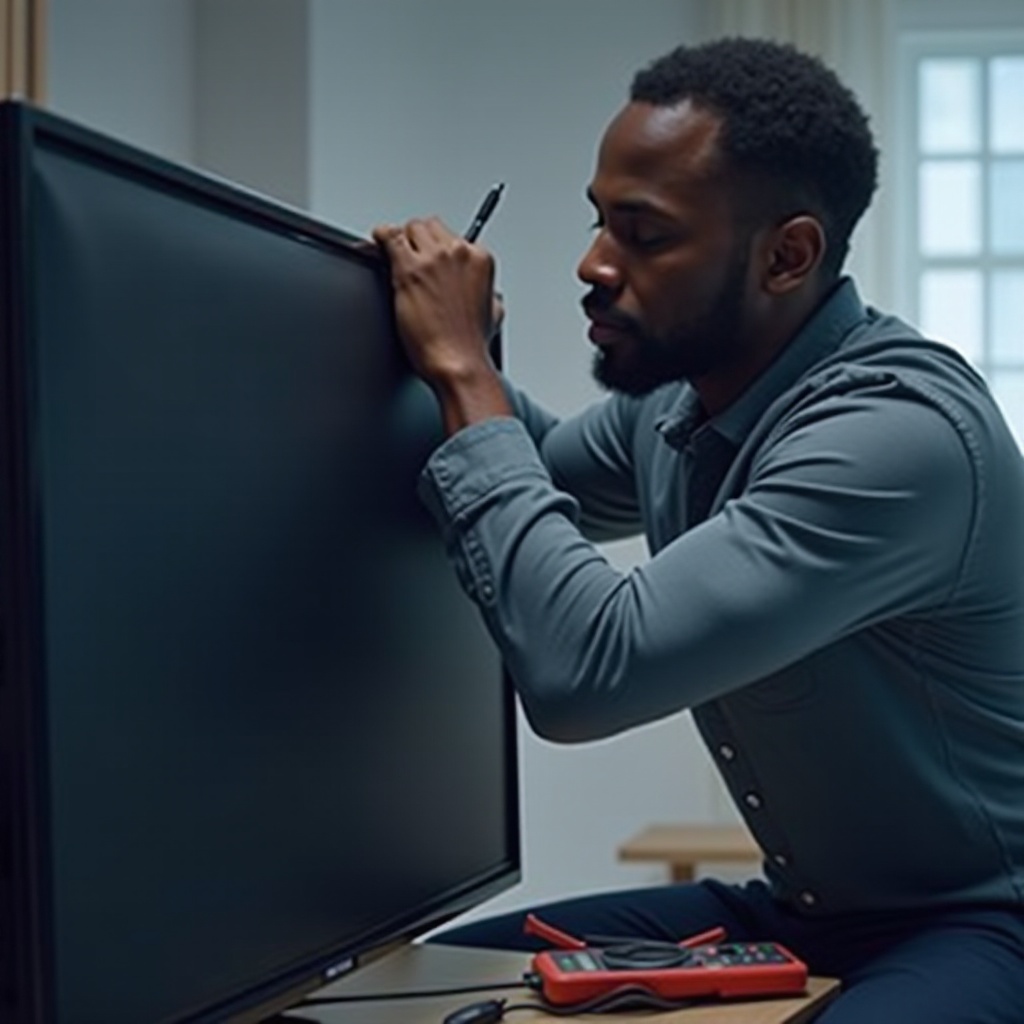
Evaluating Internal Hardware Components
When internal defects might be the culprit:
1. Inspect internal connections and cables for visible wear or damage.
2. Assess circuit boards for burnt components or soldering issues if you’re comfortable handling electronics.
Connecting with Samsung Support for Repairs
If troubleshooting at home proves unsuccessful, contacting Samsung support is advisable. They offer professional diagnosis and repair services tailored to your TV model.
Tips for Preventing Future Power Issues
Prevent recurring problems by maintaining and optimizing your TV’s condition.
Regular Maintenance and Software Updates
Keep firmware current to avoid software-related interruptions. Use regular clean-ups to sustain internal cooling efficiency.
Using Surge Protectors
Invest in a sturdy surge protector to stabilize power inputs and protect your TV from voltage spikes. This investment safeguards all of your connected electronics and enhances their life span.
Conclusion
Dealing with a Samsung TV that repeatedly cycles on and off can be challenging, but with informed troubleshooting and preventive care, you can resolve and prevent these issues. Adhering to these troubleshooting steps and maintenance tips will ensure a continuous and enjoyable viewing experience.
Frequently Asked Questions
Why does my Samsung TV keep turning off by itself?
Your Samsung TV may turn off due to power supply problems, outdated software, or issues with the remote control. Methodically checking each area can help pinpoint and solve the problem.
How can I update the firmware on my Samsung TV?
Update your Samsung TV’s firmware by going to Settings > Support > Software Update and selecting ‘Update Now’. This keeps your TV running smoothly and resolves many glitches.
When should I seek professional help for my Samsung TV issues?
If troubleshooting doesn’t resolve the problem, it’s best to consult Samsung support or a professional technician, especially in case of suspected internal hardware faults.