
Introduction
The Apple Pencil is a transformative tool for many iPad users, offering precision and ease of use. This digital stylus is revered for its capabilities, enticing iPhone users to question if it pairs with their devices. Understanding its compatibility and available alternatives is essential for iPhone enthusiasts seeking similar functionality.
Understanding the Apple Pencil
What is the Apple Pencil?
The Apple Pencil is a cutting-edge digital stylus designed by Apple. It’s crafted specifically for iPad users, providing precision that mimics traditional writing and drawing tools. This accessory has gained popularity among creative professionals and note-takers alike.
Key Features and Advantages
Apple Pencil’s allure stems from its advanced features:
- Precision: Offers unmatched accuracy, perfect for artistic and professional applications.
- Pressure Sensitivity: Responds just like a real pencil, with varying stroke thickness based on pressure.
- Tilt Recognition: Allows for shading and other techniques relying on tilt.
- Seamless Integration: Pairs effortlessly with compatible devices, delivering a smooth experience.
These features highlight why the Apple Pencil is sought after, particularly by iPhone users who wish for similar capabilities.
Apple Pencil and iPhone Compatibility
Current iPhone Models Overview
While iPhones have advanced significantly, they remain incompatible with the Apple Pencil. This separation stems from specific technological and strategic choices by Apple.
Technical Reasons for Non-Compatibility
Several factors contribute to the lack of Apple Pencil support on iPhones:
- Screen Technology: The capacitive touchscreen on iPhones doesn’t support the Apple Pencil’s advanced sensitivity features.
- Software Limitations: iOS, though robust, doesn’t facilitate Apple Pencil’s full functionality on iPhones.
- Strategic Decisions: Apple markets iPads as creative tools, reserving Apple Pencil compatibility to emphasize this role.
Understanding these factors clarifies why the Pencil is exclusive to iPads, steering iPhone users toward alternative options.
The Need for Apple Pencil on iPhone
The absence of Apple Pencil on iPhones does not quell the demand for stylus functions. This gap underscores the potential enhancements a compatible stylus could offer.
Use Cases for Stylus on Smartphones
For users, a stylus on smartphones could revolutionize:
– Note-taking: Jot down quick thoughts or detailed notes easily.
– Document Annotation: Edit and highlight documents seamlessly.
– Creative Expressions: Sketch and draw directly on the smartphone’s touch interface.
User Demand and Experience
The demand persists as users appeal for better precision tasks on iPhones. Whether for professional tasks or creative endeavors, the desire for Apple Pencil-like functionality remains high. The quest for a solution becomes imperative as users seek to maximize their devices’ potential.
Alternative Stylus Options for iPhone
Top Stylus Choices Compatible with iPhone
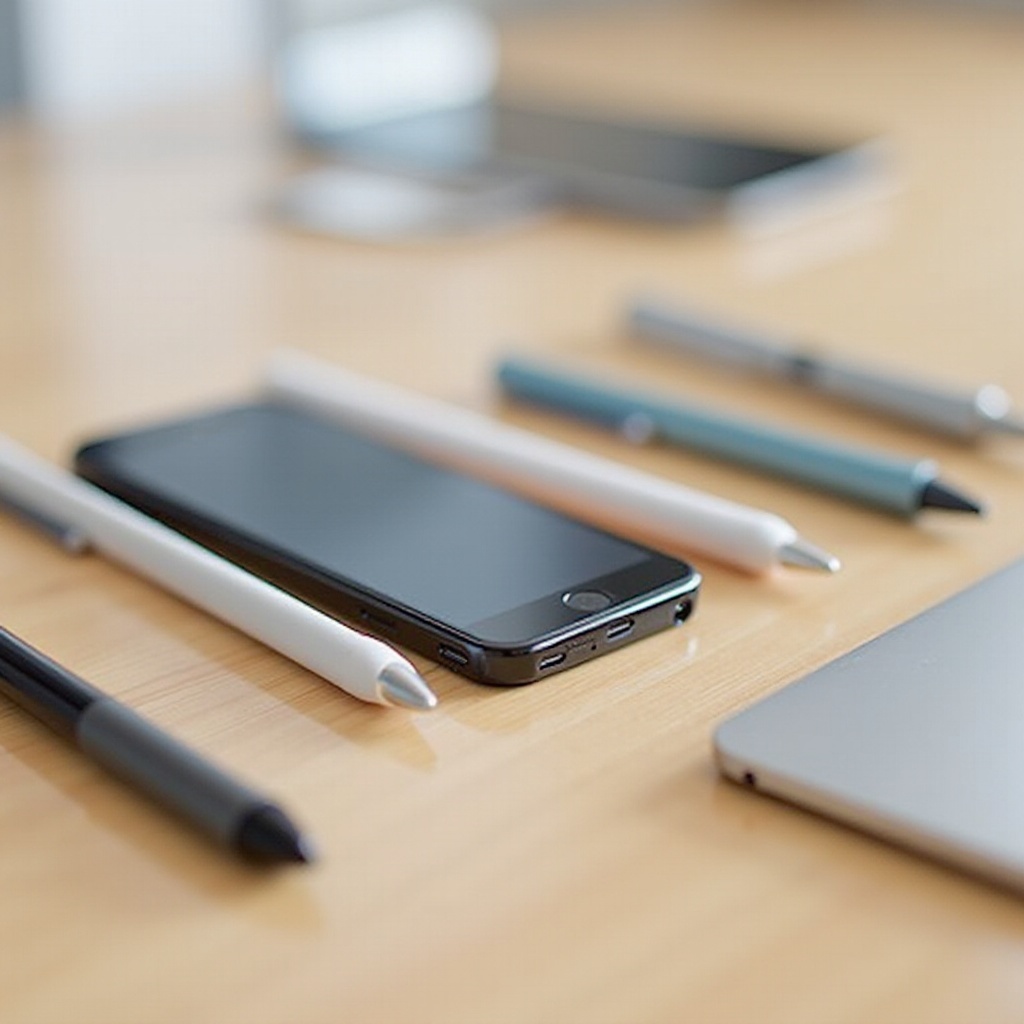
Several third-party styluses offer great functionality for iPhone users, filling the void left by the Apple Pencil:
– Adonit Pro 4: Known for precision and quality build.
– Wacom Bamboo Tip: Recognized for a responsive, fine tip.
– Meko Universal Stylus: Features a disc tip for clear visibility and accuracy.
Using these alternatives, users can achieve many of the input nuances provided by the Apple Pencil on iPads.
Best Apps Supporting Stylus Features on iPhone
Optimizing stylus use involves pairing with suitable applications:
1. Notability: Perfect for comprehensive and organized note-taking.
2. Procreate Pocket: Empowers users to create digital art on their iPhones.
3. GoodNotes: Offers a seamless note-taking experience with versatile features.
These apps augment functionality, turning iPhones into capable digital notebooks and creative canvases.
Future Possibilities for Apple Pencil and iPhone
Emerging Technologies in Stylus Integration
Screen and software advancements may pave the way for integrating Apple Pencil capabilities into future iPhone models. Improved touchscreen tech might accommodate the advanced features currently missing on iPhones.
Apple’s Potential Future Developments
As Apple continuously innovates, possibilities arise of future iPhones supporting the Apple Pencil. Aligning all products under a cohesive ecosystem elevates user experience and expands the utility of every device. This potential progression elevates anticipation among iPhone users.
Conclusion
Currently, iPhones don’t support the Apple Pencil due to technological and strategic reasons. However, stepping into the stylus world via alternatives offers substantial benefits. As technology advances, iPhone users remain hopeful for a future where Apple Pencil integration becomes reality, thus unlocking new and exciting possibilities for creativity and productivity.
Frequently Asked Questions
Can any stylus work with iPhone?
Most capacitive styluses will work with iPhones but lack the full Apple Pencil functionality. Choose a stylus that suits your needs.
What apps are recommended for use with an iPhone stylus?
Notability, Procreate Pocket, and GoodNotes are top apps that support stylus use, enhancing note-taking and art creation.
Will future iPhones support the Apple Pencil?
Future iPhones might support Apple Pencil as technology evolves, potentially aligning more closely with iPad capabilities.